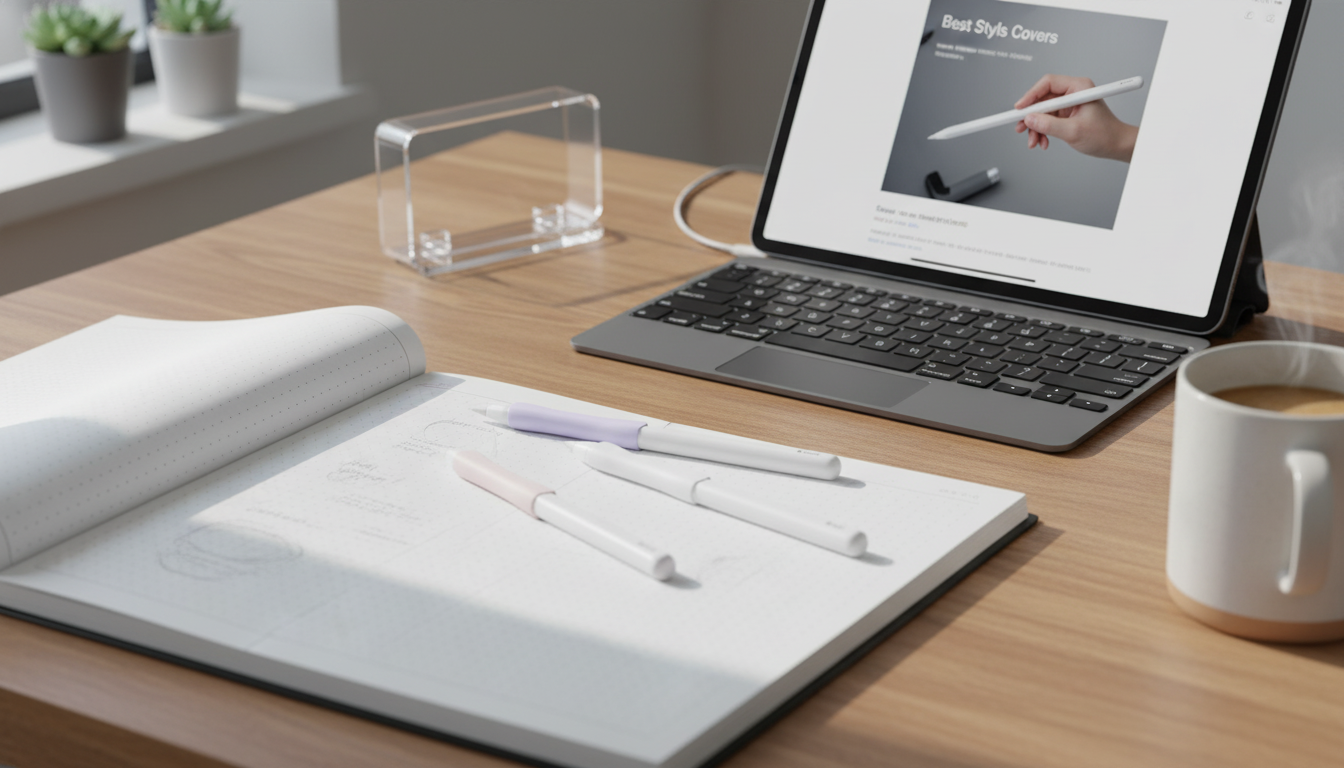
A slim cover can make an Apple Pencil easier to hold, quieter on the desk, and better protected against scuffs and small drops. This guide breaks down what a stylus cover does, how to match it to Apple Pencil (1st or 2nd generation), and what to look for so charging, pairing, and accessories still work smoothly.
A bare Apple Pencil is sleek, but it can also be slippery—especially during longer writing or sketching sessions. A cover adds a softer surface that’s easier to control, which can help steady strokes and reduce the “death grip” that leads to hand fatigue.
For students and everyday note-takers, the biggest win is comfort. For commuters, it’s often the reduced clatter and fewer scuffs from sliding around in a backpack or pencil case.
Fit matters more with Apple Pencil than with many other styluses because charging and pairing depend on specific hardware areas staying accessible.
If you’re unsure about specs, Apple’s technical pages are the quickest reference: Apple Pencil (2nd generation) – Technical Specifications and Apple Pencil (1st generation) – Technical Specifications.
Not all covers feel the same in the hand. The best choice depends on whether you prioritize cushioning, easy cleaning, or minimal bulk.
For artists who shade and tilt often, a consistent thickness is especially important—uneven seams can subtly change finger pressure and make the Pencil feel less predictable.
A cover should protect and improve handling without creating new friction points in your daily workflow.
A practical test after installation: dock/charge (or access Lightning), open a notes app, and write for two minutes. If the cover twists, pinches, or shifts, it’s likely too loose or uneven.
Choose a style based on whether comfort, charging convenience, or slim storage matters most. If magnetic charging is essential, prioritize designs that leave the flat side and charging edge unobstructed. For frequent travel, consider a cover that’s easy to clean and doesn’t snag on fabric.
| Cover style | Best for | Watch-outs |
|---|---|---|
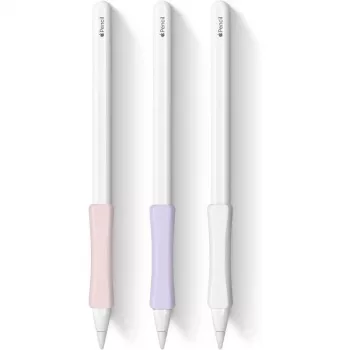
| Full sleeve | All-around scratch protection and softer grip | May block magnetic charging or case storage if too thick |
| Partial grip section | Comfort where fingers rest with less bulk | Less protection near the tip and end |
| Thin skin | Minimal size change; fits more cases | Lower impact protection; may shift if not snug |
| Textured silicone | Maximum grip and control | Can attract lint; may feel tacky in pockets |
If you want a simple, budget-friendly way to make the Pencil feel less slippery and better protected during everyday use, consider our Stylus Cover for Apple Pencil 1/2. It’s designed as a straightforward protective layer intended for Apple Pencil 1st and 2nd generation compatibility, helping reduce routine scuffs from desk use, storage, and commuting.
It can if the cover is thick or blocks the magnetic charging side. Choose a slim design that leaves the charging edge/flat side clear, and test docking and charging immediately after installing.
The cover doesn’t touch the screen, but added thickness can change your grip and how much pressure you apply. A snug, evenly-thick fit (without seams or bulges where your fingers rest) helps keep control consistent.
Use mild soap and water with a soft cloth, then let it air-dry completely before reinstalling. Avoid strong solvents and high heat, which can degrade or discolor silicone over time.











Leave a comment