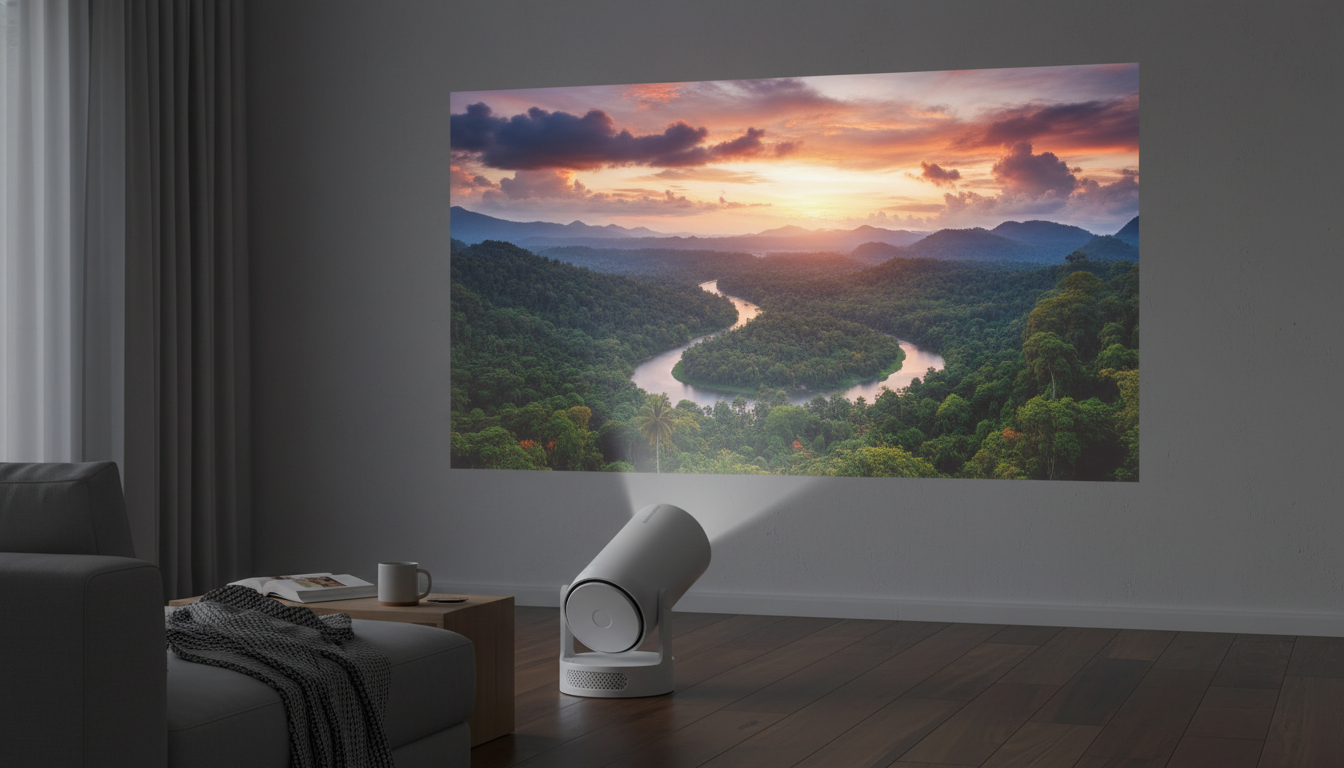
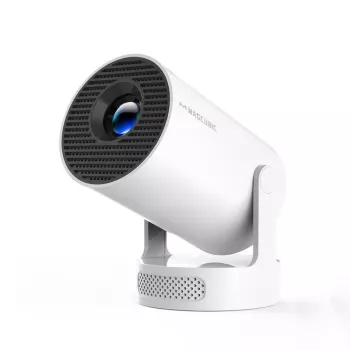
A compact projector can turn a bedroom wall, backyard screen, or travel setup into a big-screen experience without a complicated chain of devices. This model pairs an Android 11 interface with Wi‑Fi and Bluetooth 5.4 for easy streaming, quick pairing to speakers, and flexible placement—best suited for dim rooms and evening outdoor viewing.
This mini projector focuses on convenience: a built-in smart interface, wireless connectivity, and a brightness level aimed at comfortable dark-room viewing.
| Feature | Why it matters | Best-use tip |
|---|---|---|
| Android 11 | Built-in smart interface for apps | Keep the system updated and avoid filling storage with unused apps |
| Wi‑Fi | Wireless streaming and casting options | Use a 5 GHz network when available for smoother playback |
| Bluetooth 5.4 | Cleaner audio routing to external speakers/headphones | Pair speakers first, then start the video to minimize lip-sync issues |
| 290 ANSI | Brightness suited to darker environments | Dim the room or wait for dusk outdoors for the best contrast |
| Compact build | Easy to move and store | Plan cable routing so the unit stays stable on a small surface |
If you want a quick look at current pricing and availability, see: Mini 4K Projector with Wi‑Fi, BT 5.4, and Android 11 – 290 ANSI, Compact, Outdoor & Home Theater.
For outdoor nights, a helpful rule is to prioritize contrast and consistency over sheer size: a slightly smaller image on a decent screen often looks more “HD” than a huge image on a wall with ambient light nearby.
Begin with the projector centered to the screen area to reduce keystone correction needs. Keeping the unit level and square to the screen tends to preserve clarity from edge to edge.
Adjust focus after the unit has been running a few minutes. Compact projectors can sharpen up slightly once they reach a stable operating temperature.
Connect to a reliable Wi‑Fi network and confirm signal strength where the projector will sit. A stronger connection usually means fewer resolution drops and less buffering during peak evening hours.
Use a safe extension cable rated for outdoor use, keep connections off damp ground, and route cords to avoid foot traffic. If you’re placing the projector on a small table, secure the power cable so it doesn’t tug the unit out of alignment.
Typically it’s best after sunset or in a very shaded area. Using a projector screen and keeping the image size moderate usually improves contrast and overall watchability.
Often yes for many apps, but availability and performance can vary by service and region. If a specific app is missing or limited, a separate streaming stick can be a reliable backup option.
Sometimes. Choosing a speaker with low-latency support or using an AV sync/lip-sync adjustment (when available) can help align dialogue with the picture.









Leave a comment